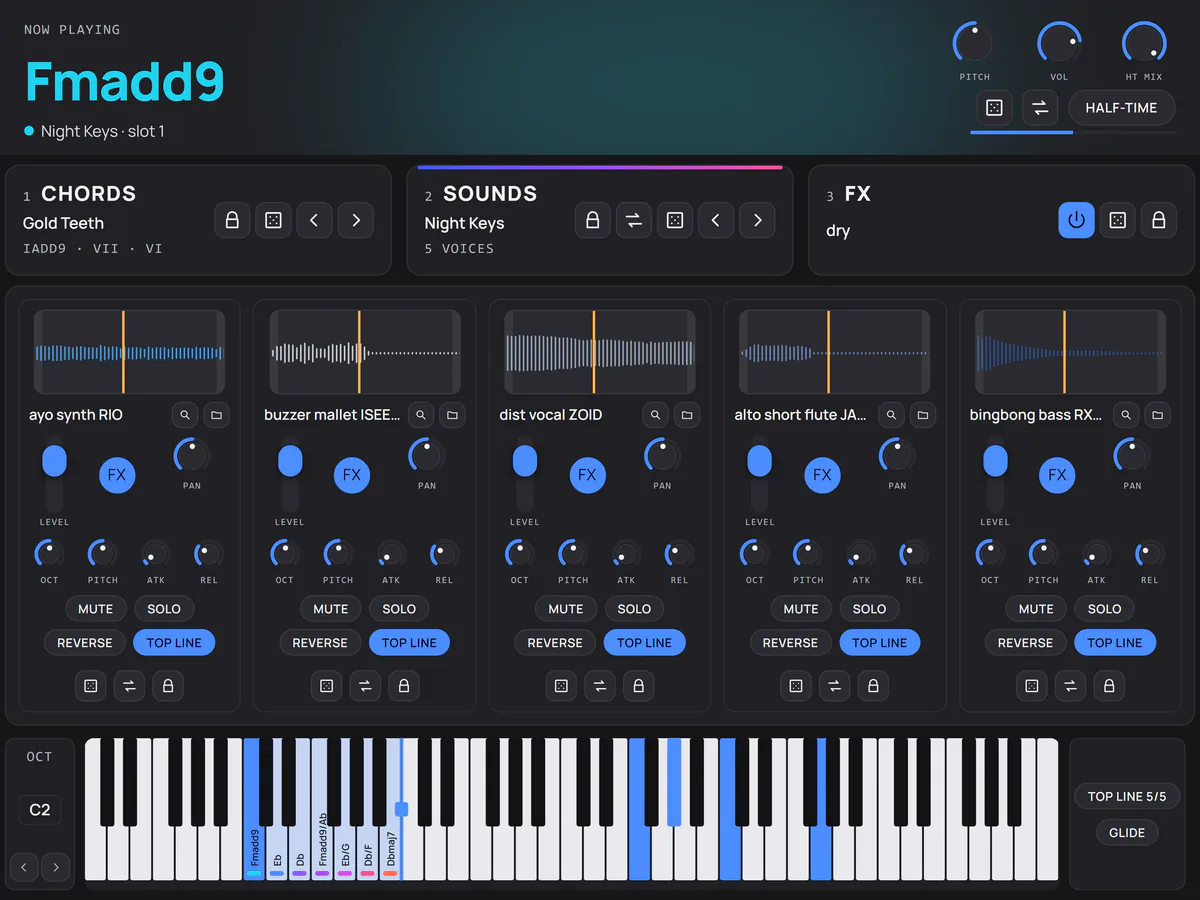
One key, five sounds
Hold one key, get the whole chord, every note on its own sound. Chord Mode off, it plays like any instrument.
[ Chord instrument ]
Trap and rap progressions, five sounds per chord
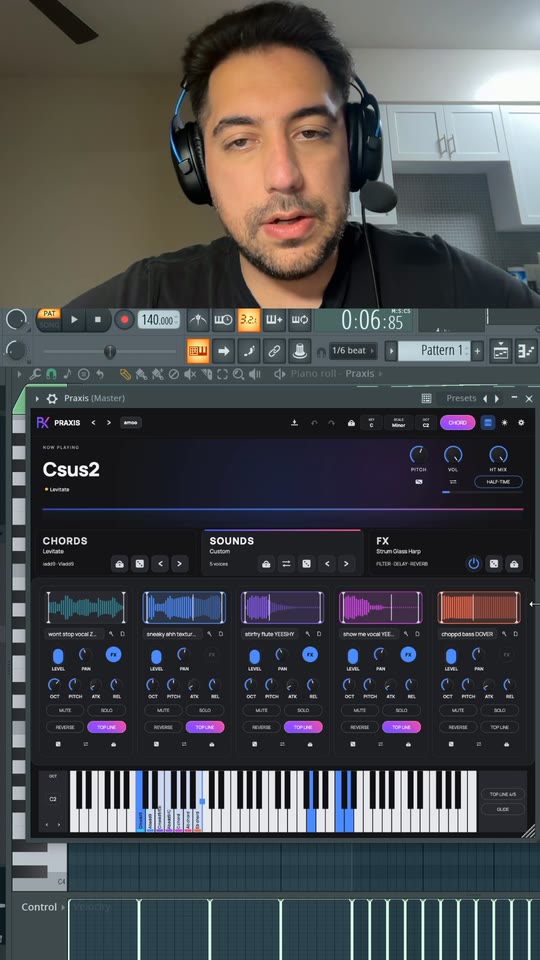
Tutorial / FL Studio
The full walkthrough, played live in a real session. Hit a chapter and it jumps straight there.
The plugin's three pages, rebuilt for the browser from the same data the plugin ships with. Pads, progressions, knobs and keys all respond. It makes no sound.It makes no sound.
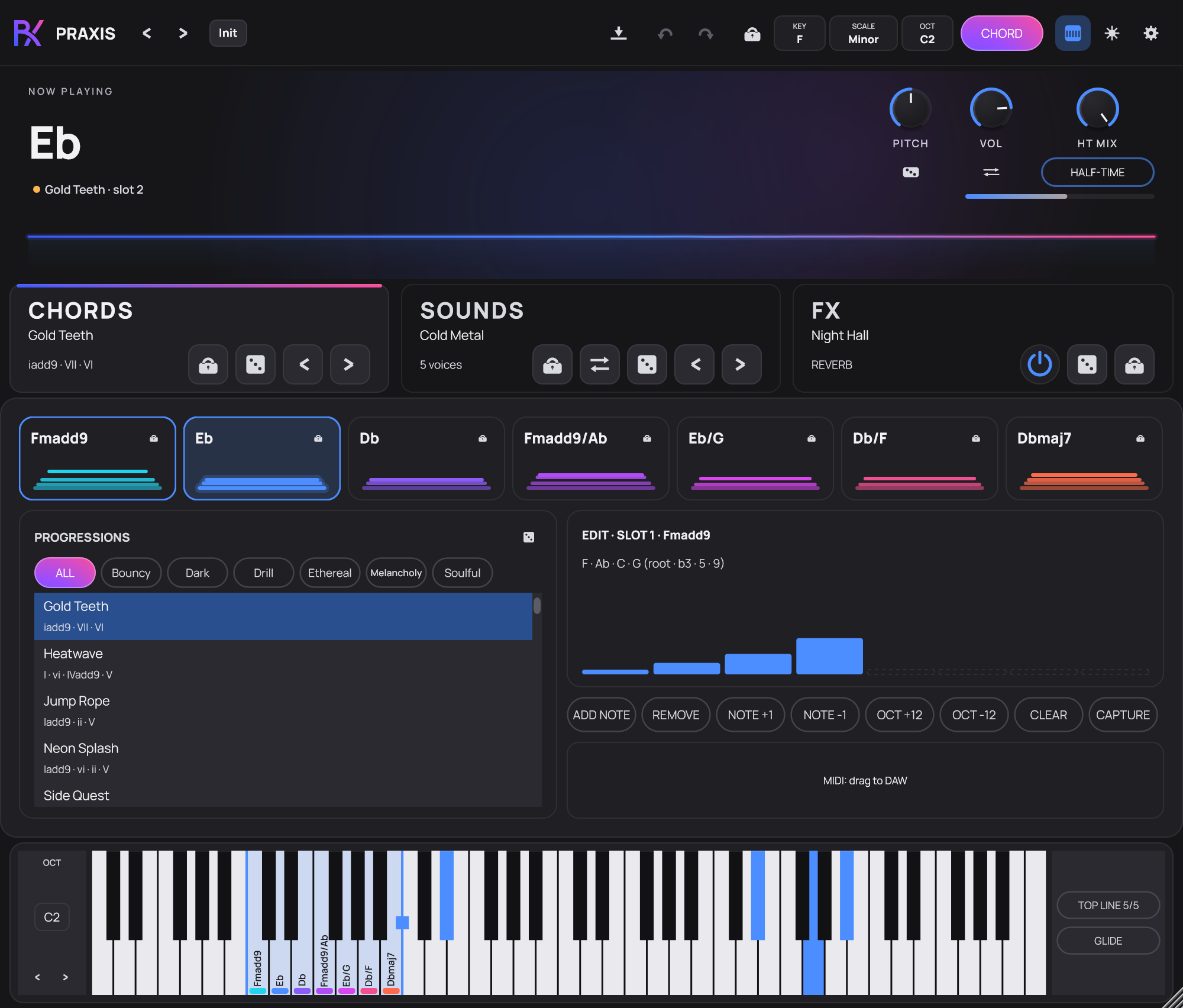
Play it. Sound it. Shape it.
Hold one key, get the whole chord, every note on its own sound. Chord Mode off, it plays like any instrument.
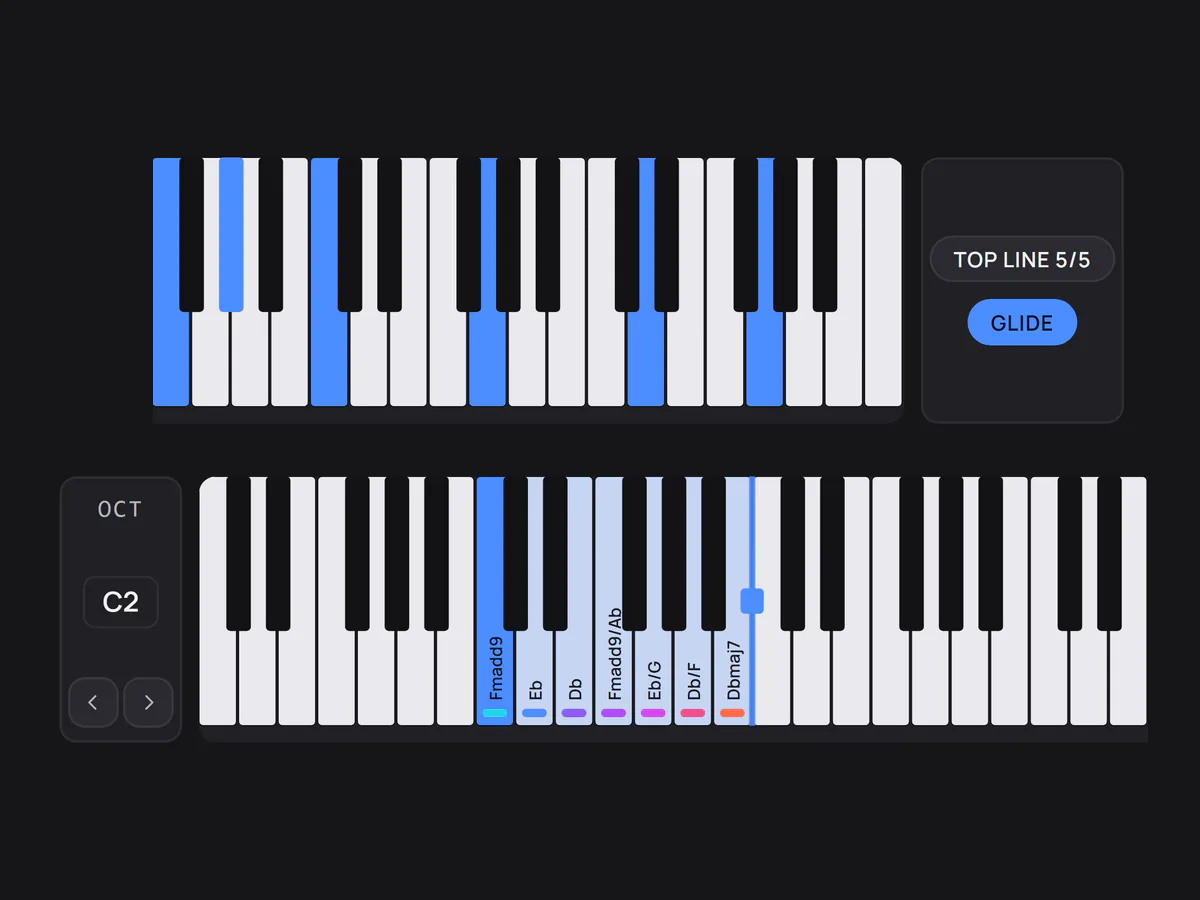
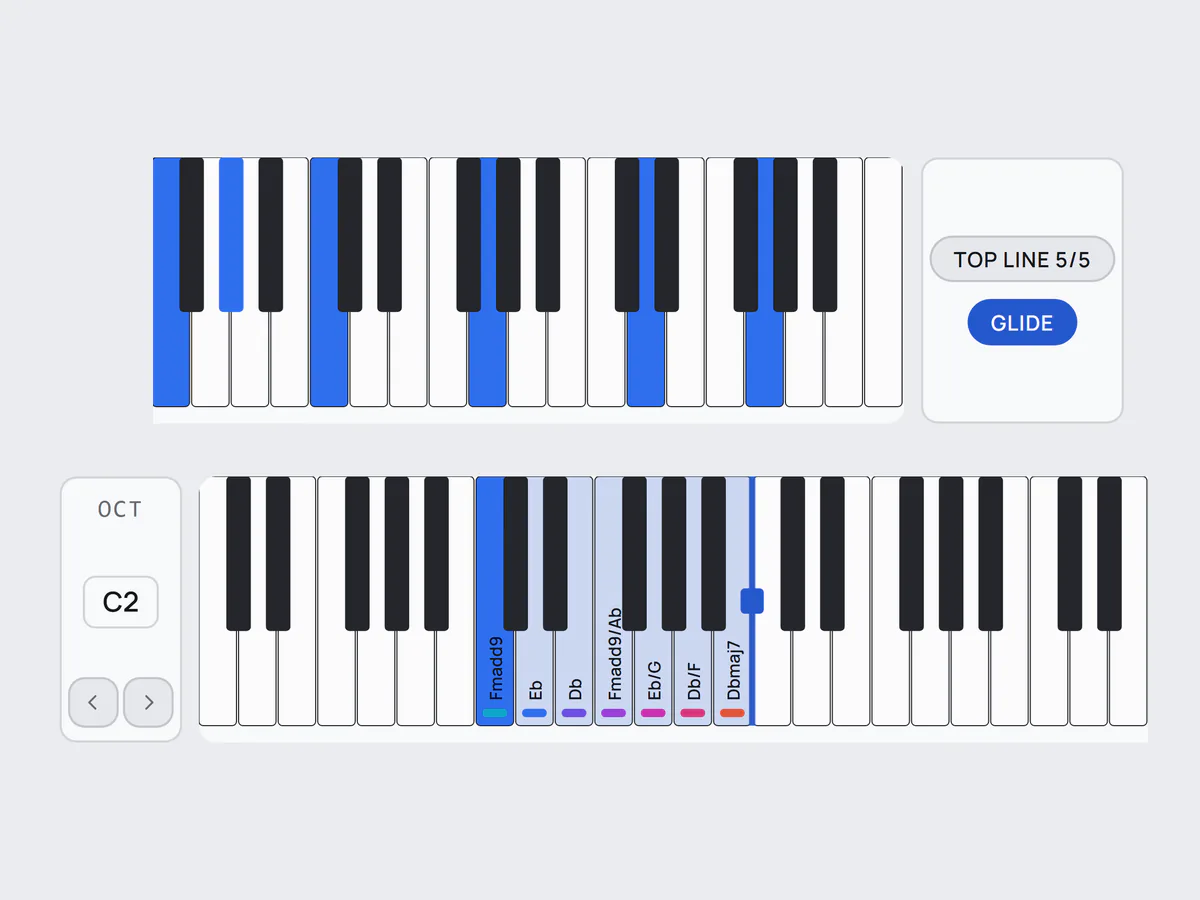
Low keys play the progression. High keys play your melody on all five sounds. GLIDE slides overlapping notes.
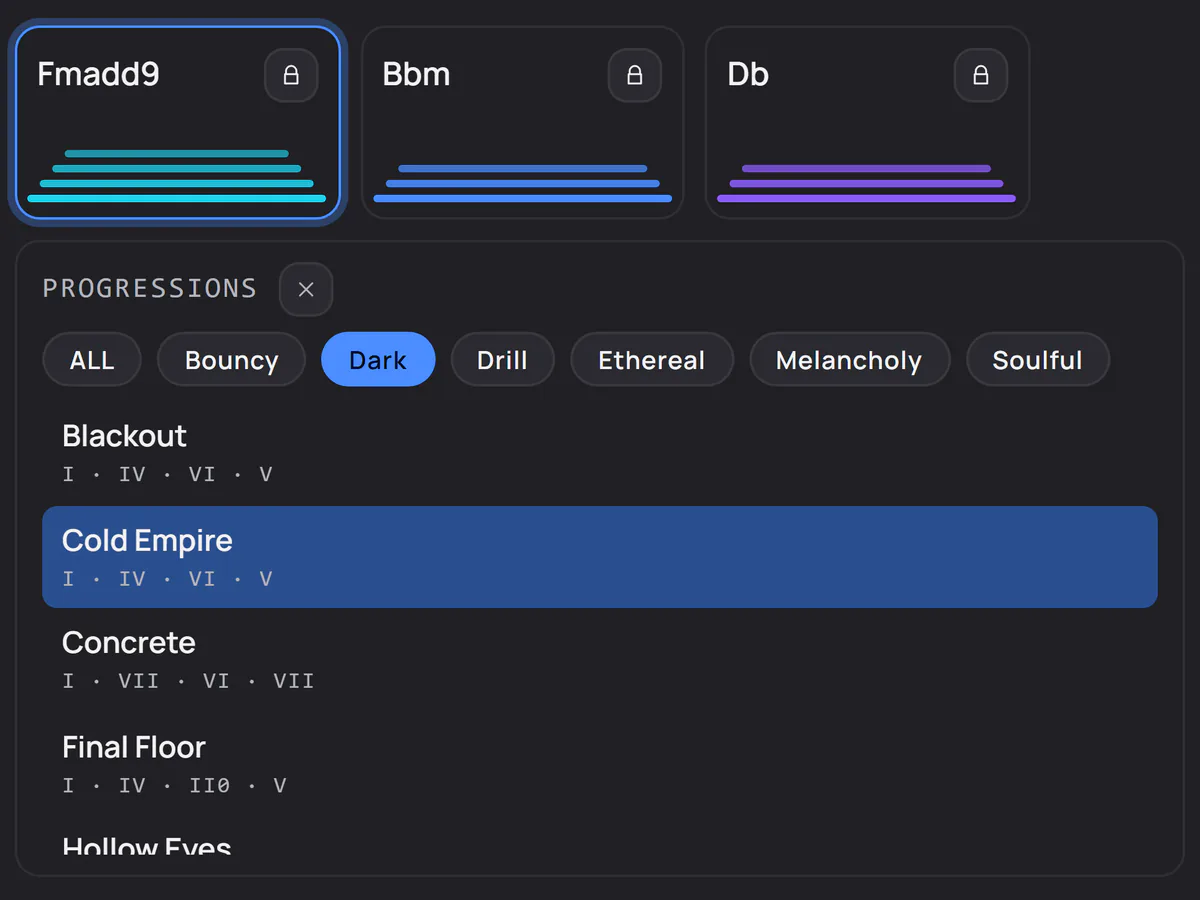
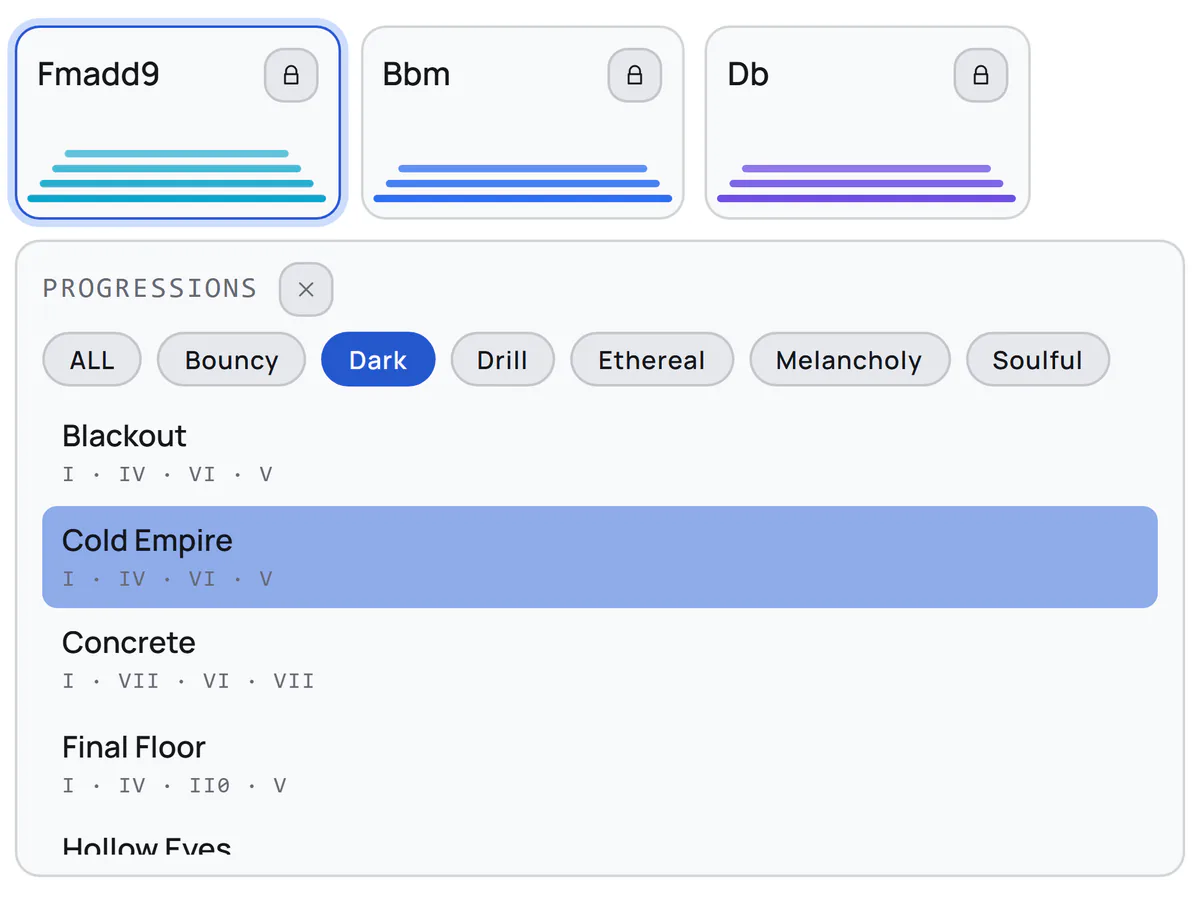
Bouncy to drill to soulful. Each one plays in your key and drags into your DAW as MIDI.
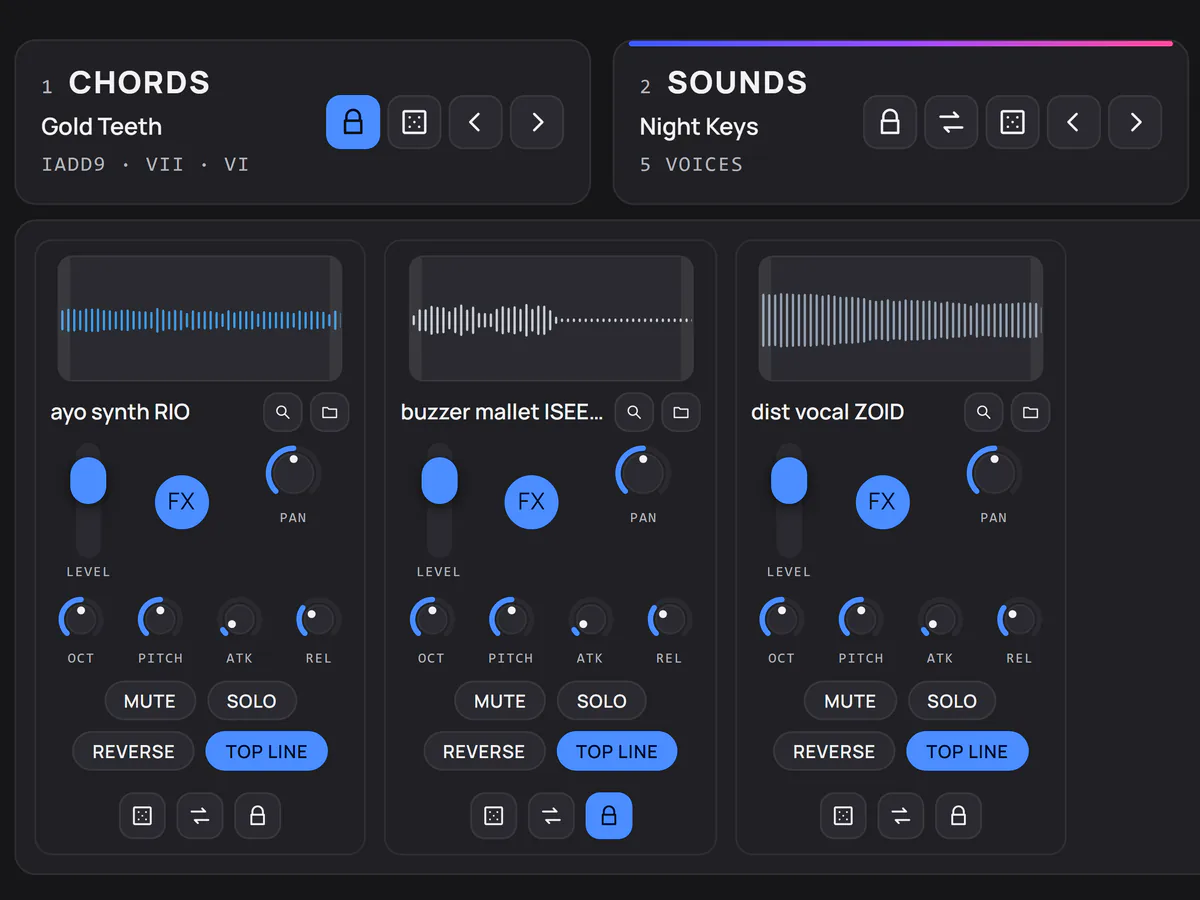
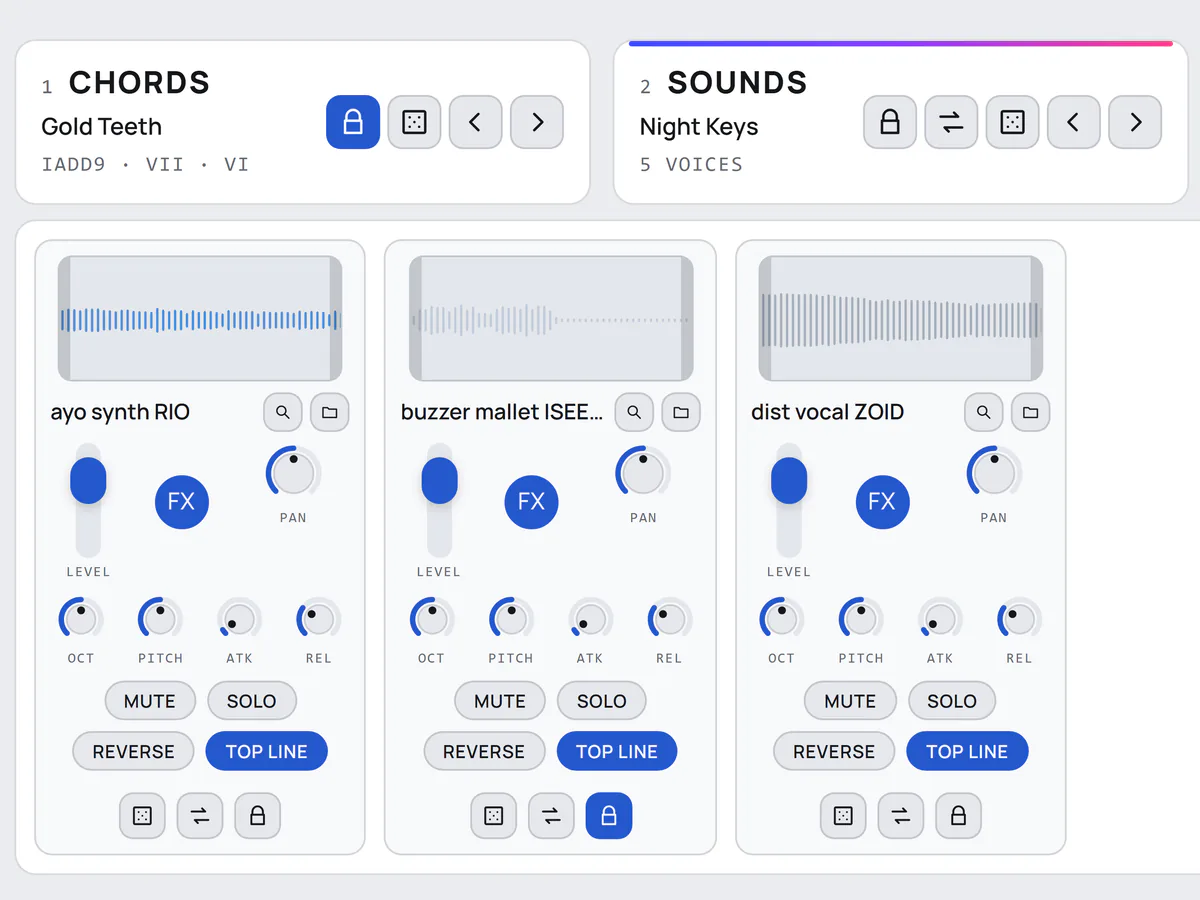
Roll new chords, sounds or effects. Lock what you like. Mutate swaps in a close match: a variation, not a restart.
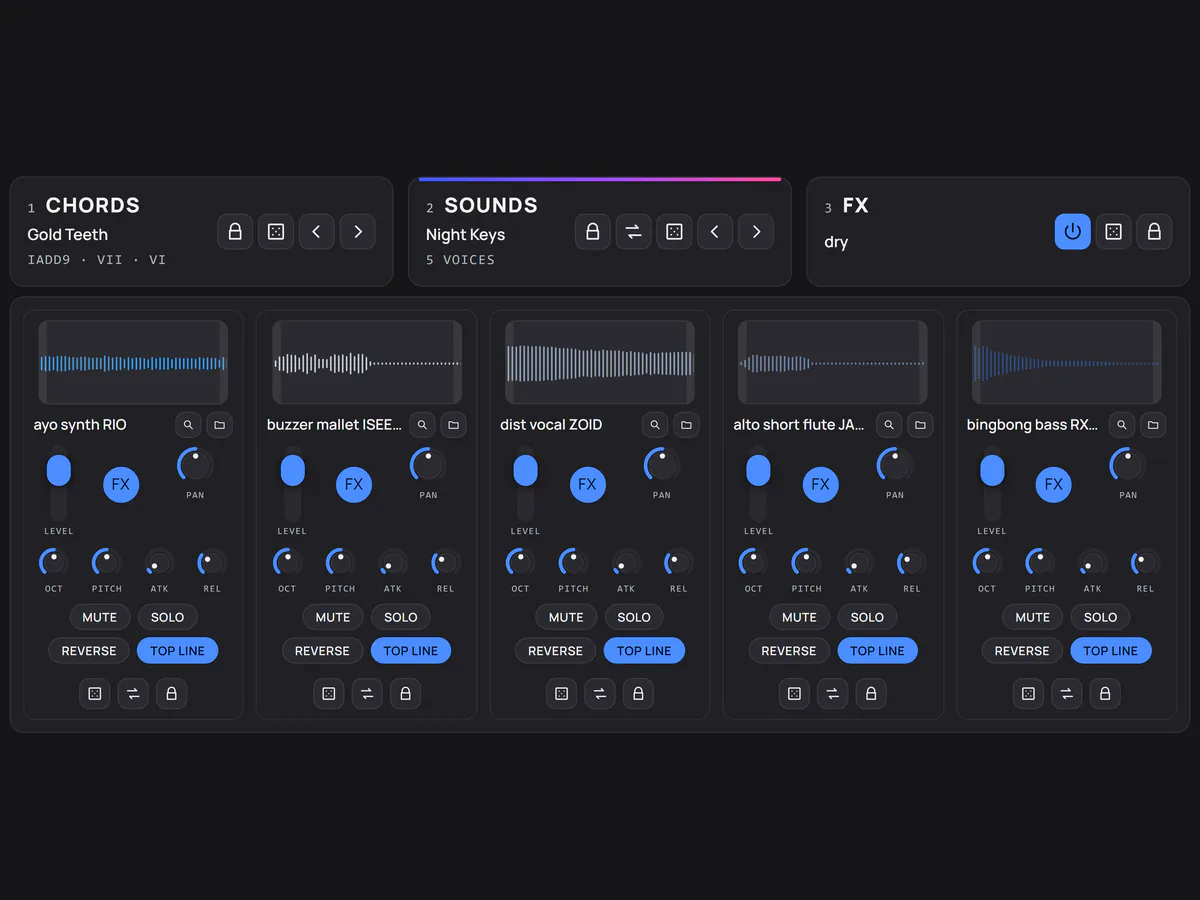
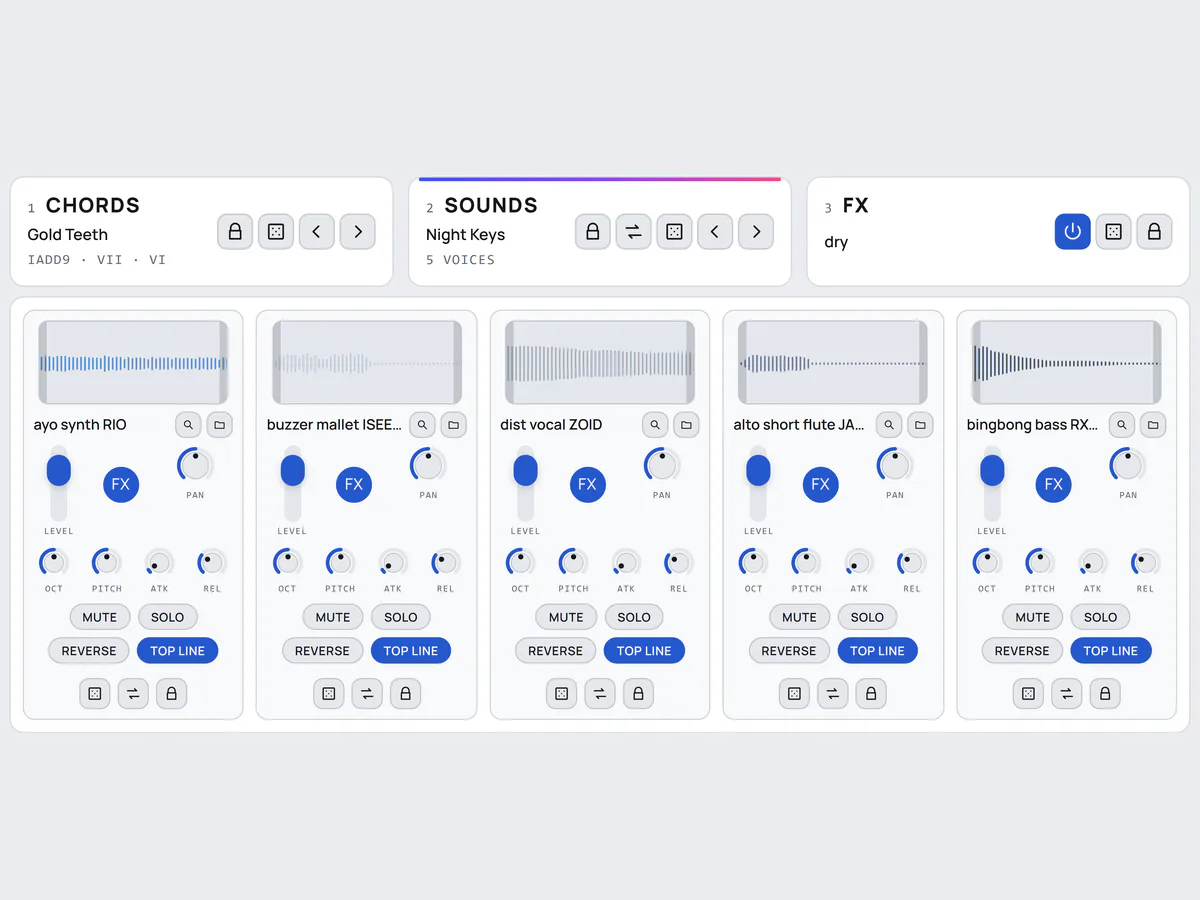
Made for this instrument and leveled as they load, so no voice jumps out of the stack.
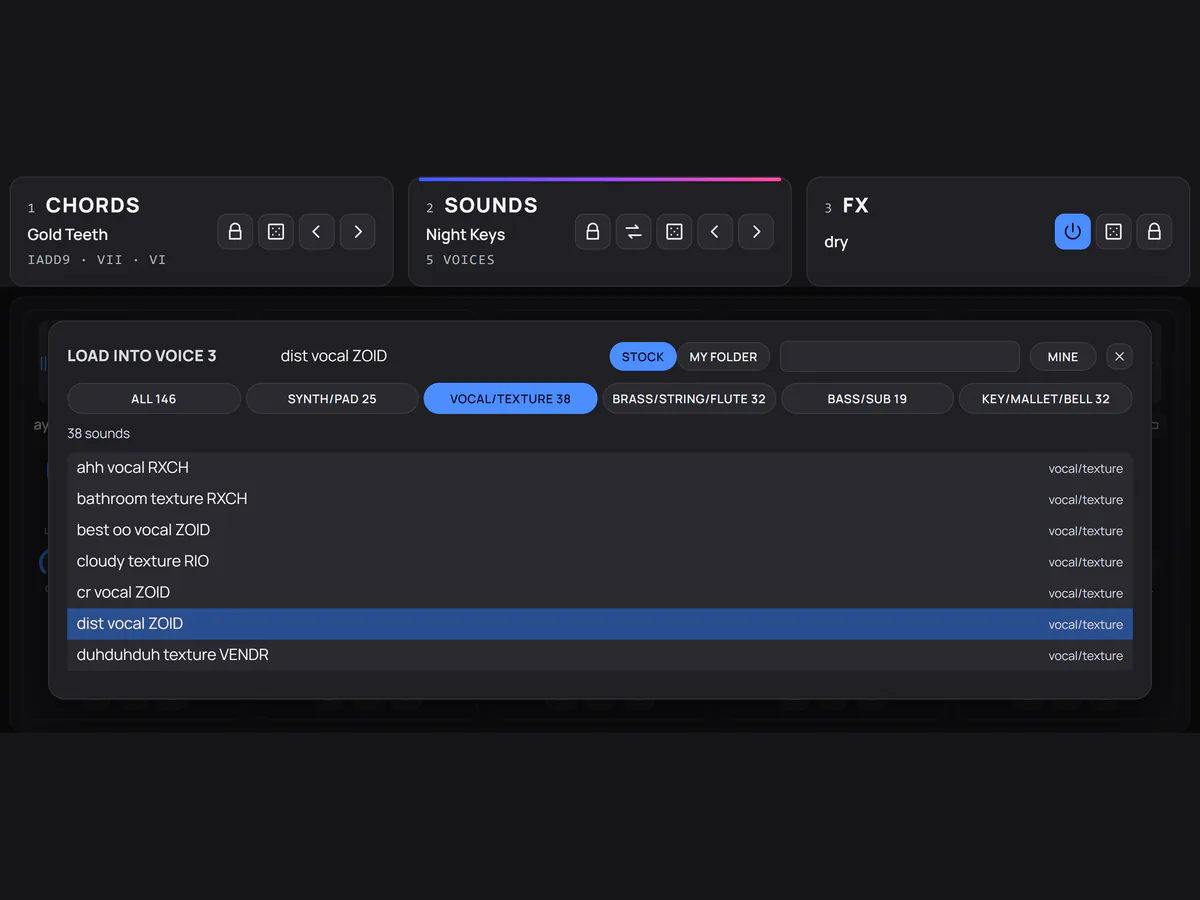
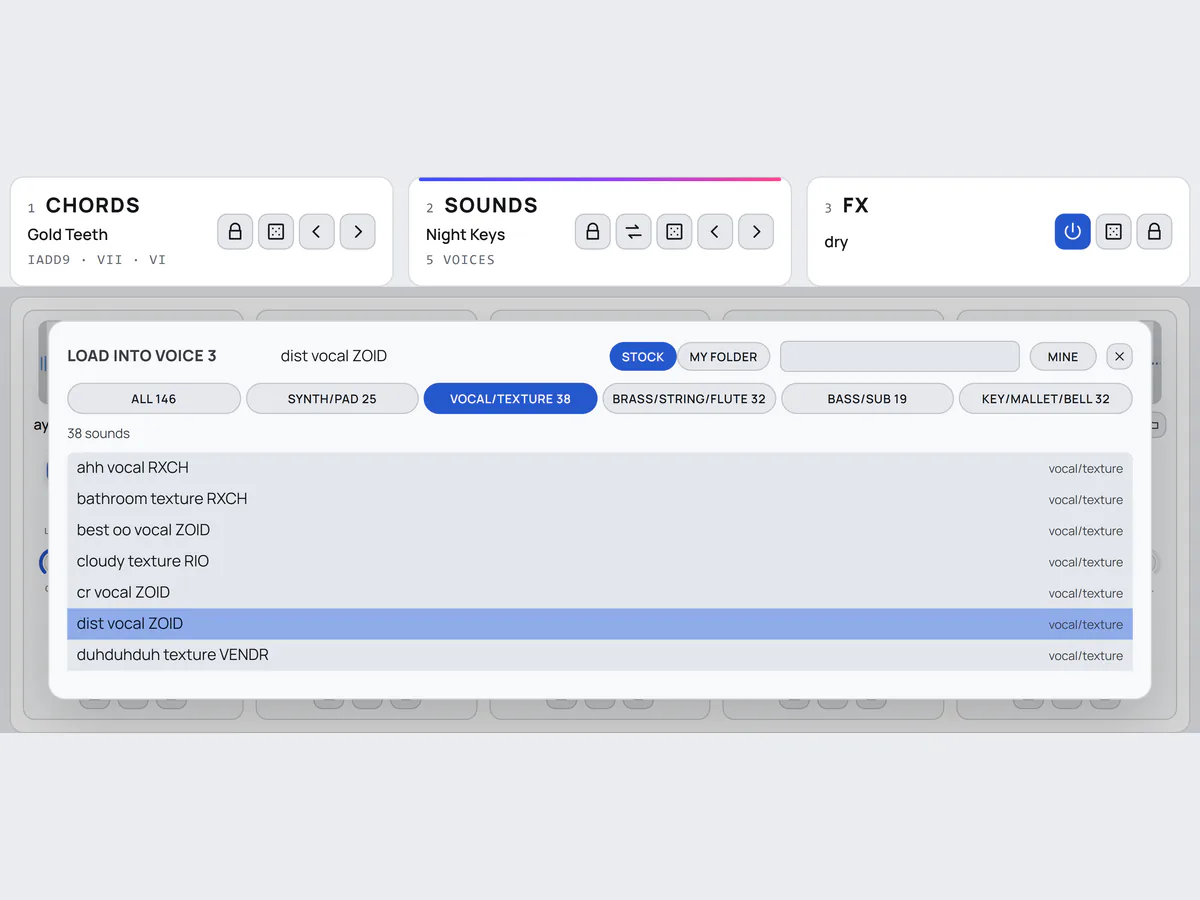
Point Praxis at your one-shots folder and they take over. Nothing gets copied. Or drop one file on a slot.
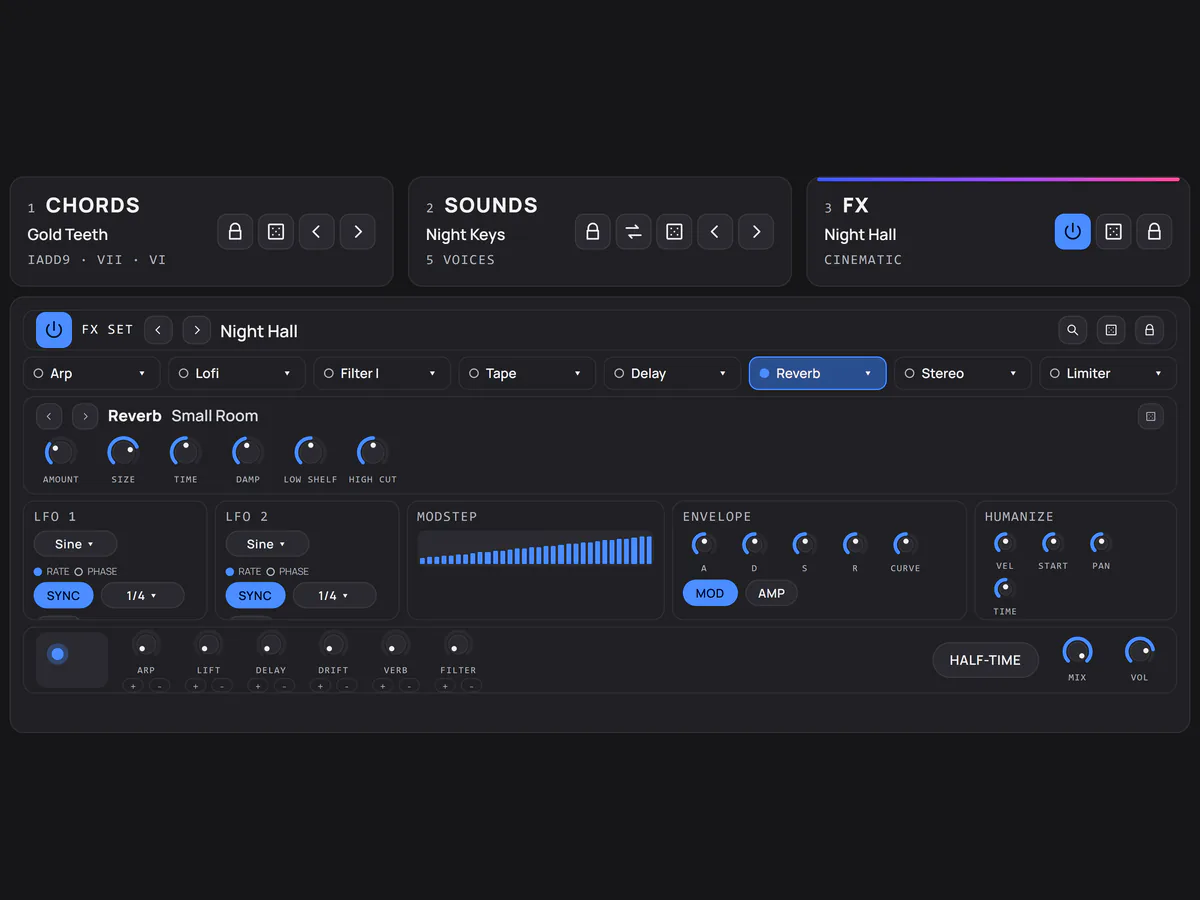
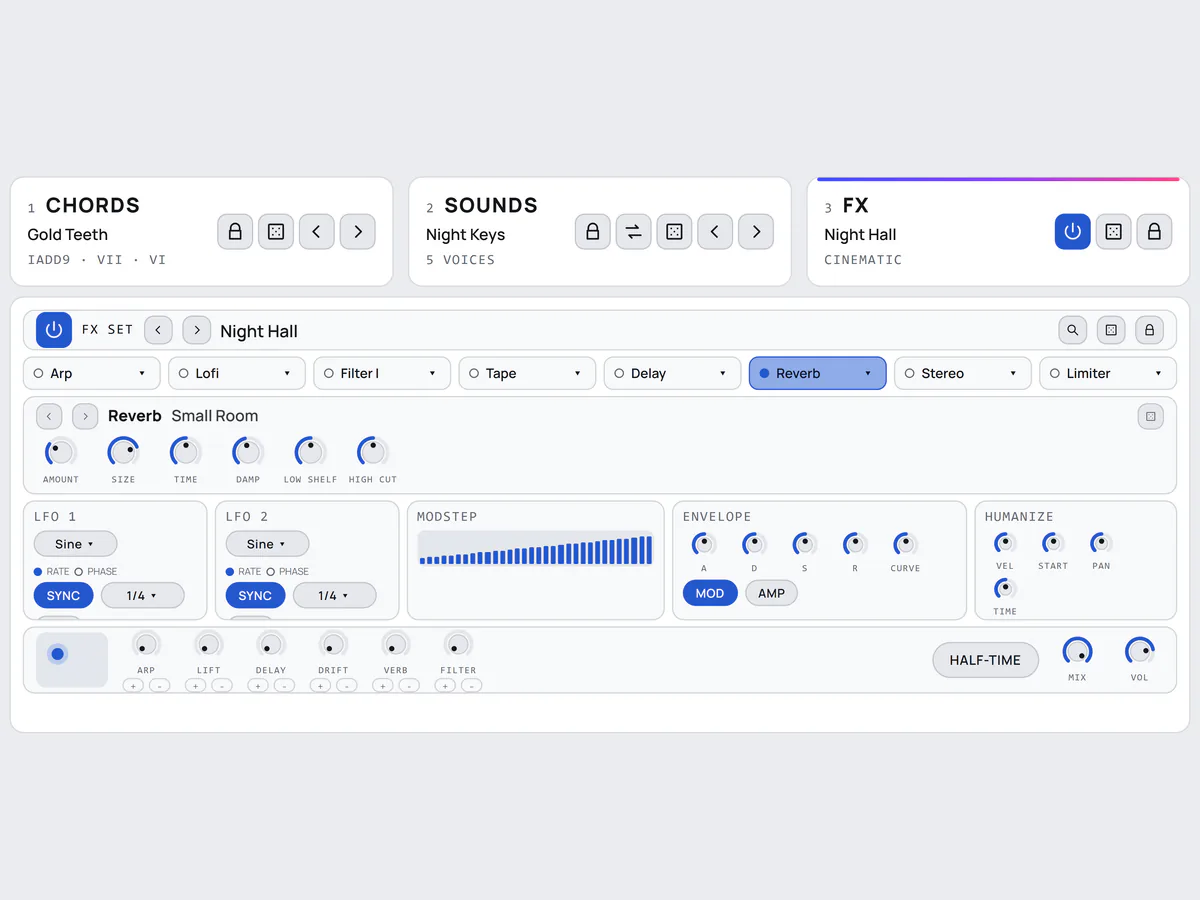
18 effects, from tape and lofi to arp and grain, moved by LFOs and an X/Y pad. The limiter never switches off.
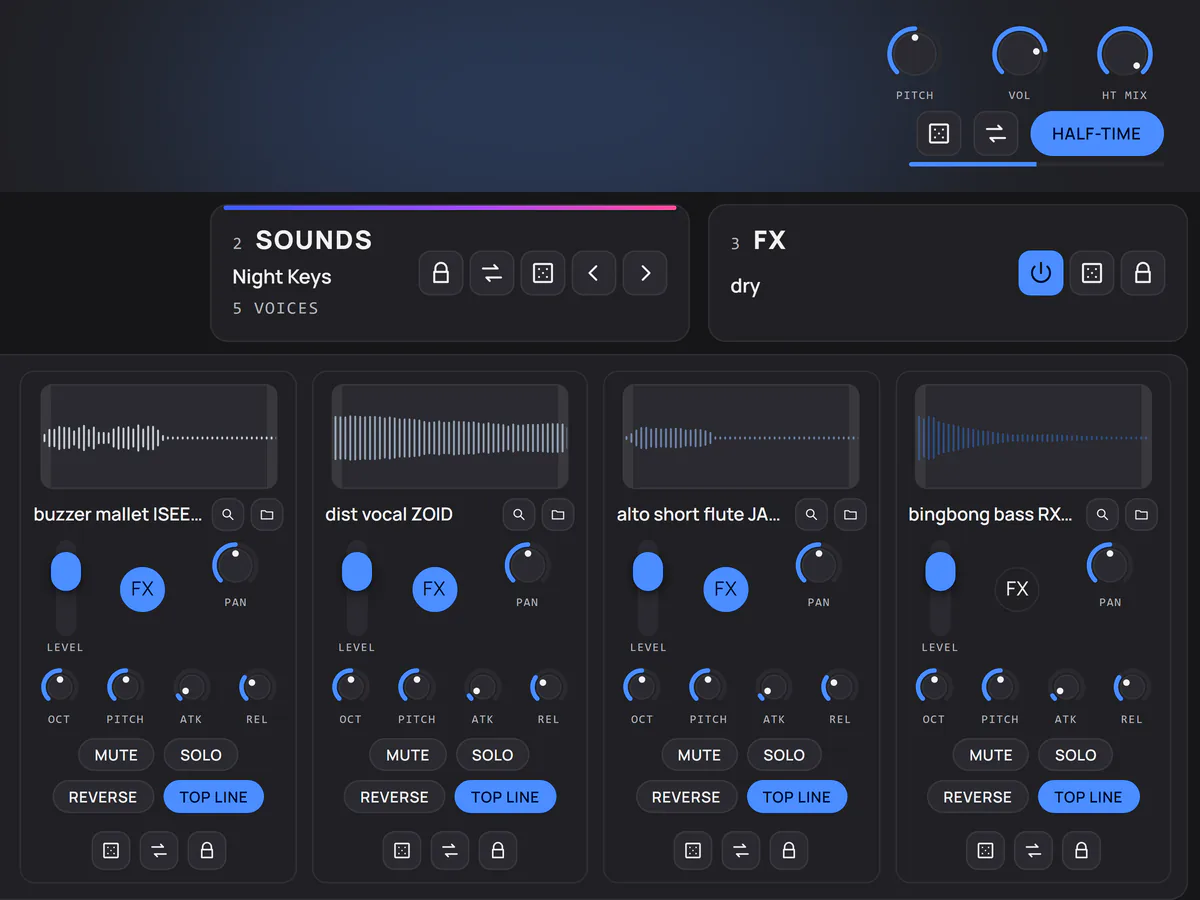
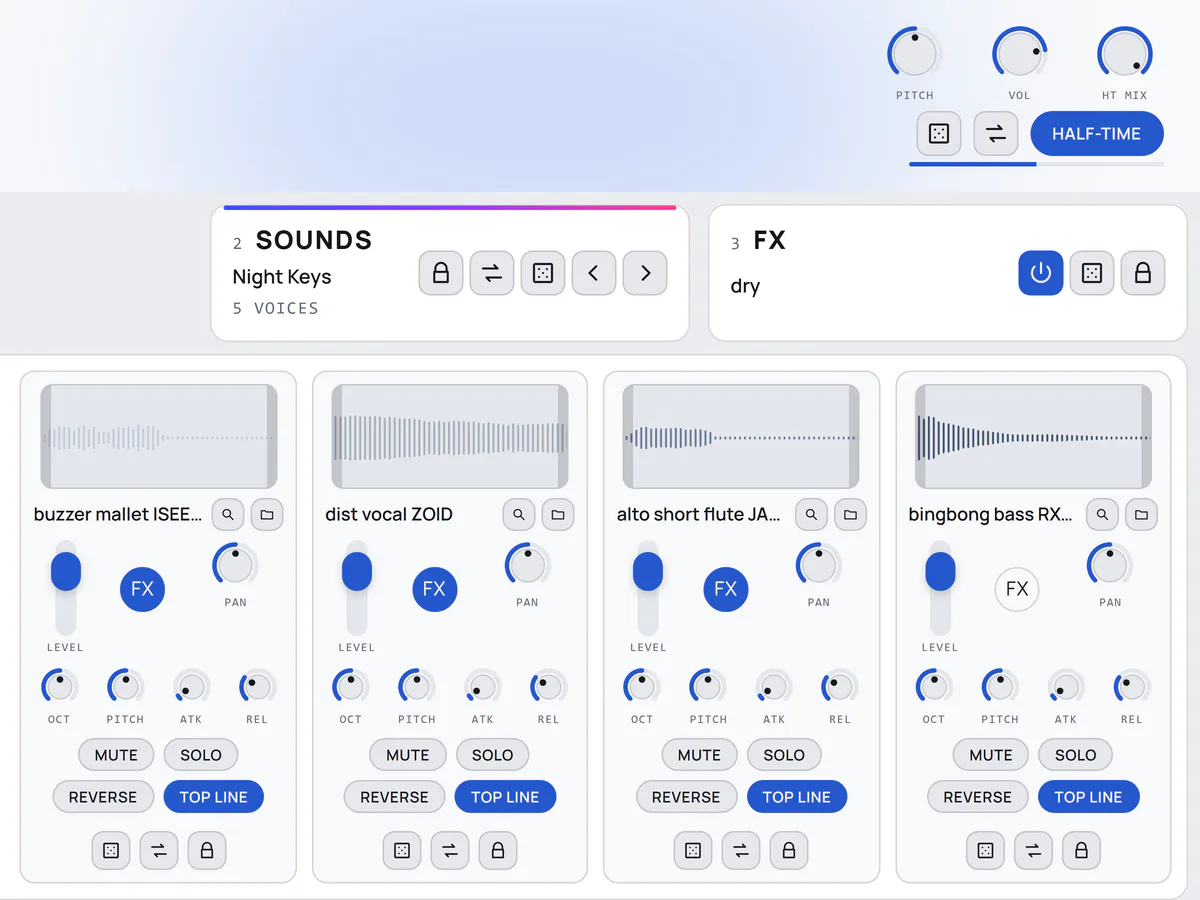
Every sound has its own FX button. Half-Time drops it all to half speed, locked to your DAW's grid.
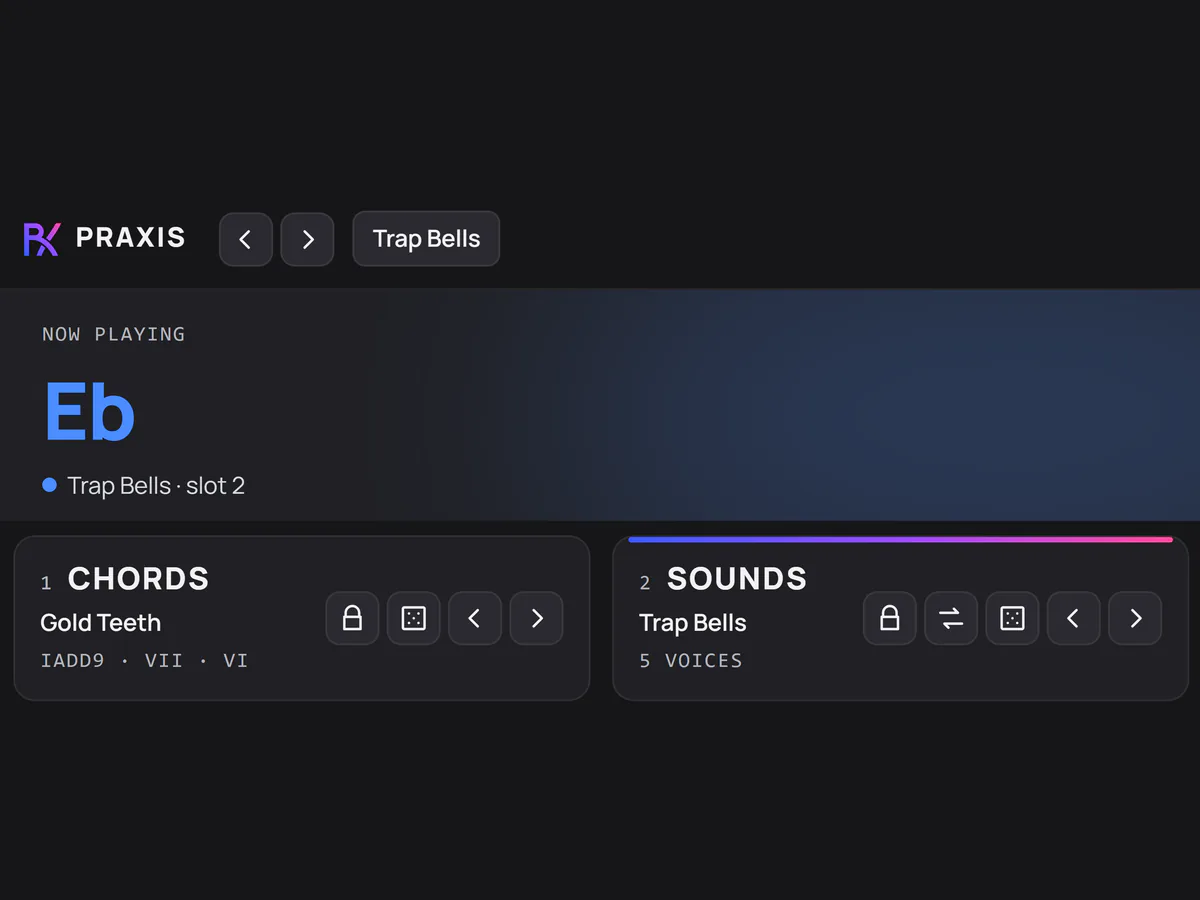
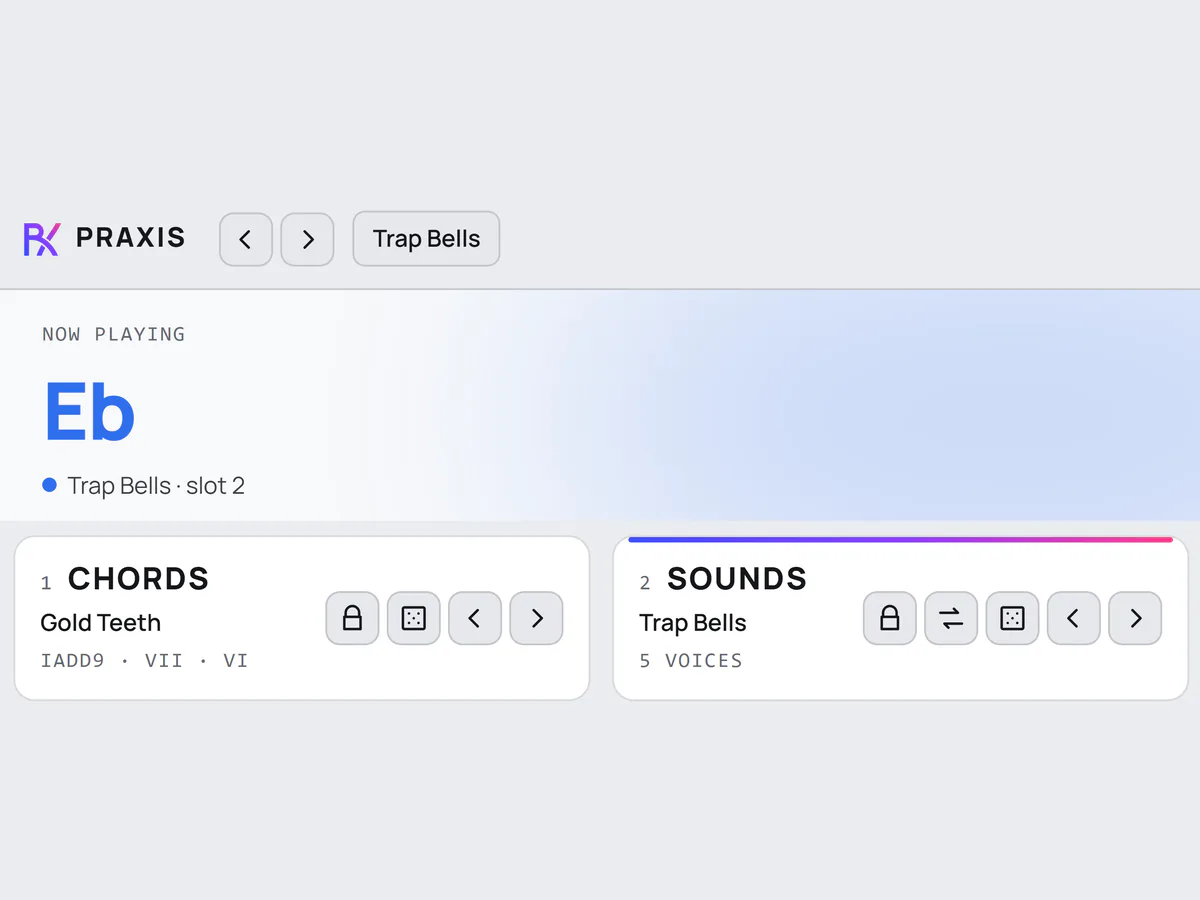
A preset is a finished sound: chords, levels, effects. A Sample Set swaps all five sounds and keeps the rest.
25 synth/pad38 vocal/texture32 brass/string/flute19 bass/sub32 key/mallet/bell
One payment, the whole instrument, yours to keep.
Taxes calculated at checkout by Stripe. Card, Apple Pay, Google Pay. By buying you agree to the license terms, including the note on installing. The download is immediate and all sales are final.
What one key plays
146 PRAXIS SOUNDS
18 Sample Sets to swap all five at once, or point it at your own folder of one-shots.
60 progressions
Made for trap and rap. Each one plays in your key and drags into your DAW as MIDI.
176 FX sets
18 effects, with a limiter that never switches off.
Win + Mac one purchase
VST3 and standalone on Windows. VST3, AU and standalone on macOS as a Universal 2 (U2B) build, native on Apple Silicon and Intel.
3 computers at once
Works offline after one activation. Free a slot yourself, and every future update is free from your account page.
Any DAW that loads VST3 on Windows, or VST3 and AU on macOS. That covers FL Studio, Ableton Live, Logic Pro, Studio One, Bitwig, Reaper and Cubase. There is a standalone app too.
Both, in one purchase. The Mac build is a Universal 2 binary (U2B), so it runs natively on Apple Silicon and Intel.
No. One payment, yours to keep, and every future update is free.
Yes. Pick a folder of your one-shots and they replace the stock sounds, sorted by type from their names (you can move any of them). Nothing is copied, and a sound you use is saved inside your project, so the beat still opens if the folder moves. You can also drag a single file onto any slot.
Paste your key once and it activates. After that it works offline. The privacy policy lists everything the plugin ever sends.
Three at the same time. Moving to a new machine? Free a slot from your account page or from the plugin's own menu, then activate the new one.
Download the installer from your account and run it with your DAW closed. Windows shows a "Windows protected your PC" notice the first time: click More info, then Run anyway. On a Mac, if the installer won't open, go to System Settings, Privacy & Security, and click Open Anyway. Both are one-time steps. Rescan plugins in your DAW and Praxis appears as an instrument.
Praxis checks every time you open it and shows a button in its top bar when a new version is out. Download it from your account page and run the installer. Your projects, presets and license stay as they are.
Look before you buy: the plugin's layout is on this page to click through (it makes no sound), and we will answer anything about your setup by email. After that the download is yours immediately and all sales are final. If something is genuinely broken, that is different, and we will fix it.
Email support. A real person answers, usually within a day.